




The power returns, the kitchen lights up — and the app on your phone says your Sub-Zero is offline, your connected Wolf range won’t pair, and the refrigerator notifications have gone silent. Before you assume the appliances are damaged, know that most post-outage connectivity problems are exactly that: connectivity, not hardware.
Smart appliance reconnect after power outage Texas events usually comes down to the home network restarting in the wrong order, not the appliance failing — and a short, deliberate sequence brings most units back online. The catch is knowing when it really is a glitch versus when the outage’s surge damaged the appliance. This guide gives the reconnection sequence and the signals that separate a network hiccup from a hardware problem.
What is a smart appliance reconnection issue?
A reconnection issue is when a Wi-Fi or Bluetooth appliance loses its link to your home network or the manufacturer’s app and does not automatically rejoin after power is restored. The appliance itself runs fine — it cools, heats, or washes normally — but its connected features (remote monitoring, alerts, app control) are offline because the router, the appliance, and the cloud service came back in an order that broke the handshake. It is a software-layer problem, not a mechanical one.
Why do connected appliances drop offline after an outage?
Because the network and the appliance reboot independently and don’t always re-establish their link cleanly. When power returns, your router may take minutes to fully come online while the appliance has already tried and failed to connect, and the manufacturer’s cloud service may still be catching up. There is also a broader reliability backdrop worth knowing: J.D. Power’s 2025 U.S. Appliance Reliability & Service Study found that appliances with Wi-Fi and Bluetooth averaged 87 problems per 100 units, versus 69 across all appliances — connectivity simply adds more that can go wrong. After an outage, most of that “more” is reconnection, not failure.
What is the smart appliance reconnect after power outage Texas sequence?
Work from the network outward to the appliance. This sequence resolves the large majority of post-outage drop-offs.
- Restart your router first and let it fully come online — give it a few minutes before touching the appliance.
- Confirm other devices (phone, laptop) are back on the same Wi-Fi network and band the appliance uses.
- Power-cycle the appliance at its control panel, or for a Sub-Zero, turn it off at the breaker for 30 seconds and back on per the manufacturer’s reset guidance.
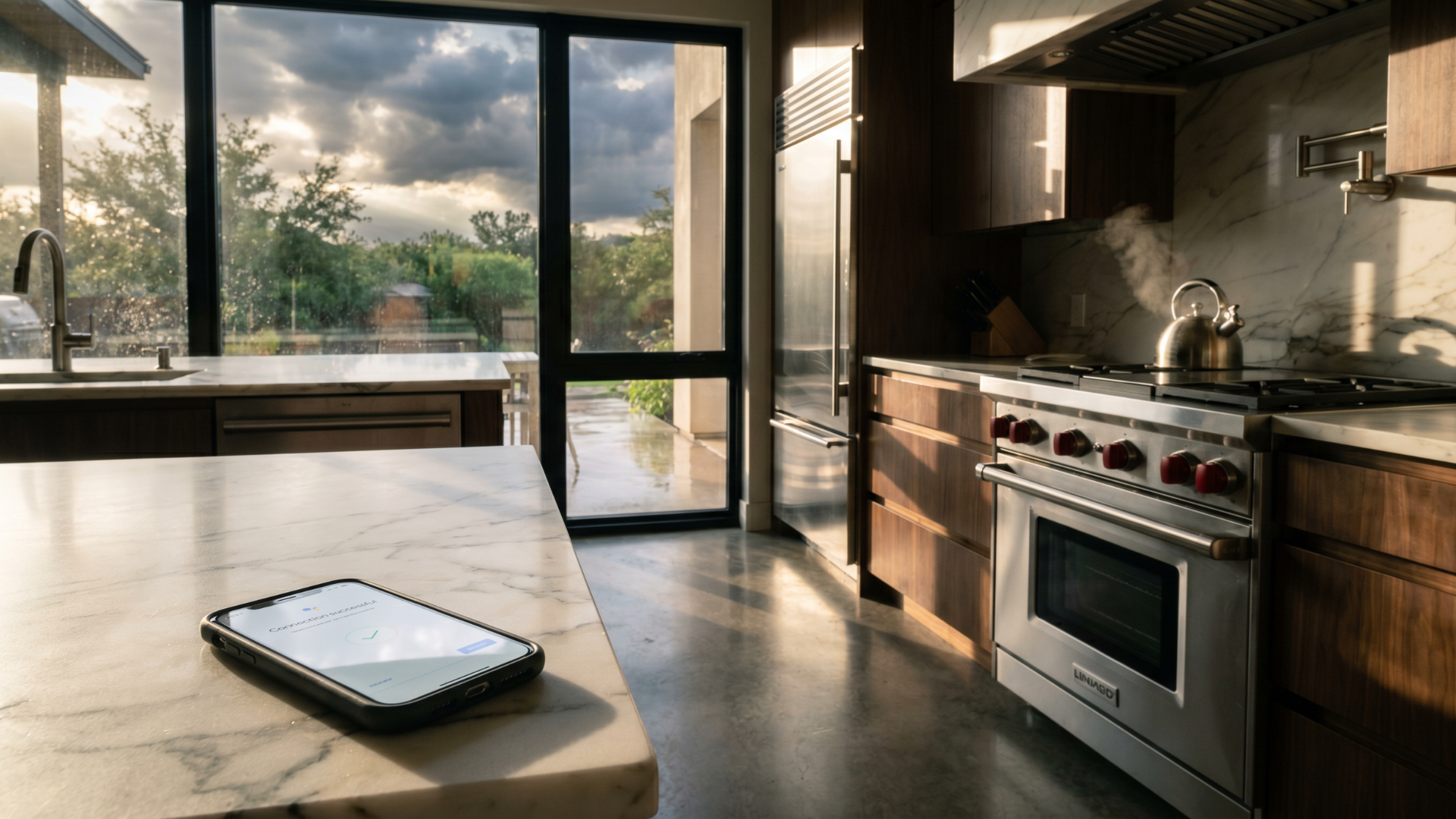
- Open the manufacturer’s app and re-run the “connect” or “reconnect” flow rather than waiting for automatic rejoin.
- If it still won’t pair, re-add the appliance in the app as if new, confirming your Wi-Fi password hasn’t changed.
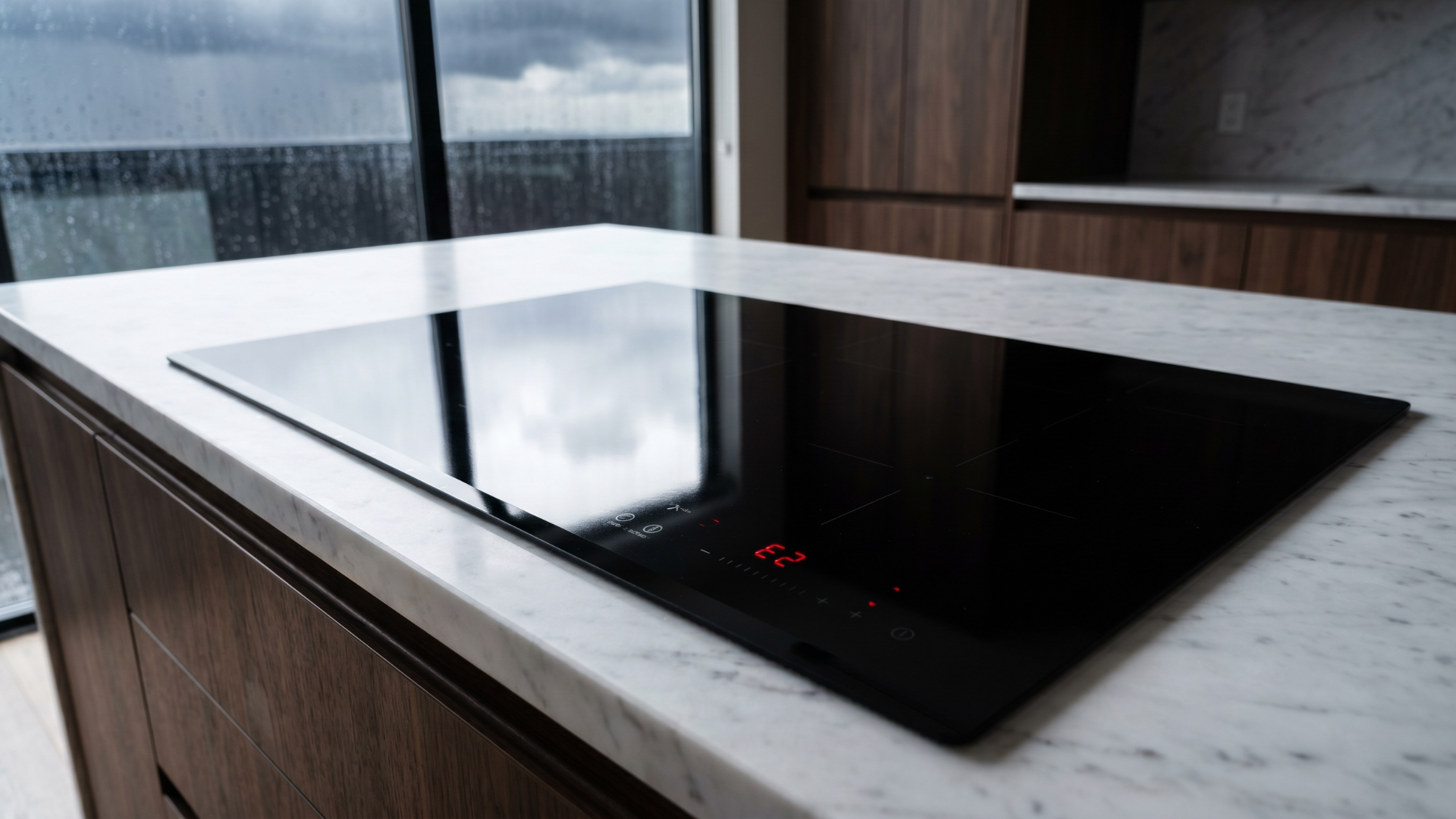
If the appliance is also misbehaving mechanically — not cooling, not heating, throwing fault codes — stop treating it as a network problem. That is the line between a glitch and damage.
When is it surge damage, not a connection glitch?
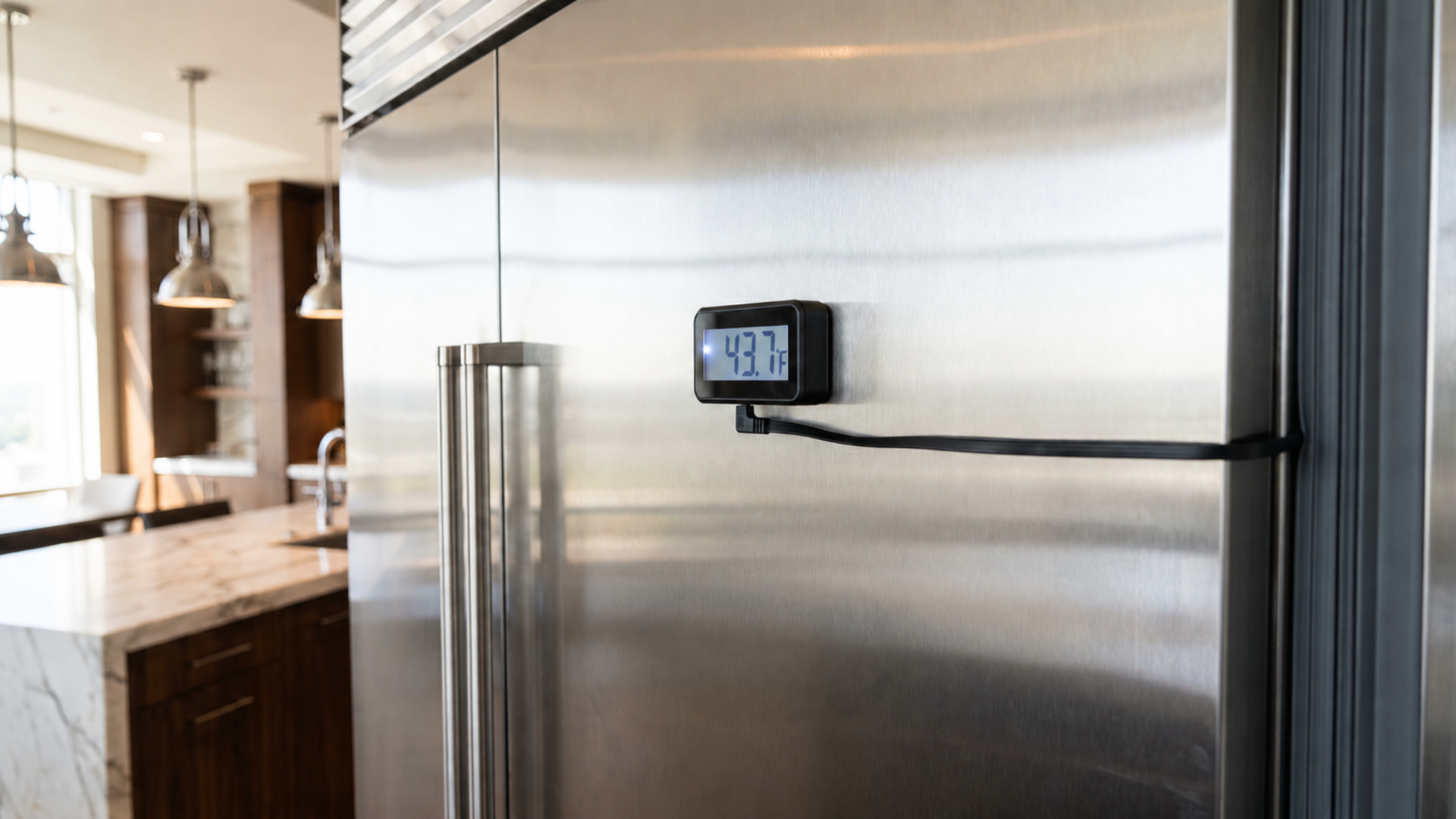
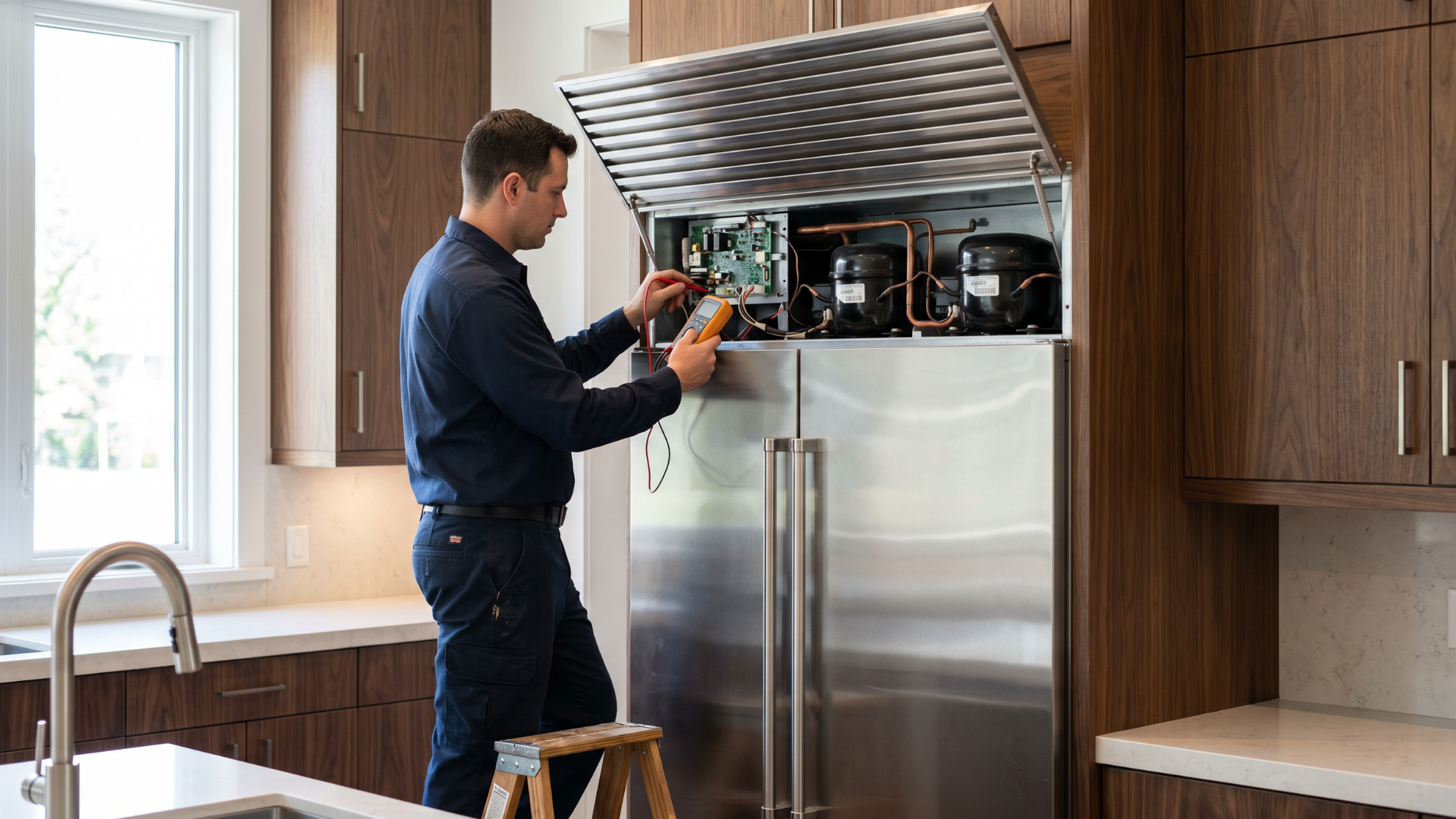
The tell is whether the appliance’s core function works. A connectivity issue leaves the appliance running normally with only its smart features offline. Surge damage shows up as the appliance failing to cool, heat, or respond — often with a dark or unresponsive panel — because the voltage spike reached a control board. If your Sub-Zero is offline in the app but cooling fine, reconnect it. If it is offline and warm, that is a hardware diagnosis, the kind detailed in our Sub-Zero diagnostic walkthrough. Connected luxury appliances need a technician comfortable with both the digital and mechanical sides, which is the whole premise of smart appliance repair for Sub-Zero and Wolf, backed by Uptown’s service plans.
Frequently asked questions
Why is my smart appliance offline after a power outage?
Most often the home network and the appliance restarted out of sync, breaking their connection handshake. The appliance works normally but its app and remote features stay offline until you reconnect it. Restarting the router first, then power-cycling and re-pairing the appliance, resolves the large majority of these post-outage drop-offs.
Do I need to reset my Sub-Zero to get it back online?
Often a simple reconnection through the app is enough once your router is fully back online. If that fails, Sub-Zero’s guidance is to turn the unit off at the breaker for about 30 seconds and back on, then re-run the app’s connect flow. If the unit is also not cooling, that points to hardware, not connectivity.
Are smart appliances more likely to have problems?
According to J.D. Power’s 2025 U.S. Appliance Reliability & Service Study, appliances with Wi-Fi and Bluetooth averaged 87 problems per 100 units versus 69 for all appliances — so connected models do report more issues overall. After an outage, though, most of those issues are reconnection problems rather than mechanical failures.
How do I know if the outage actually damaged my appliance?
Check whether the core function still works. If the appliance cools, heats, or washes normally and only its app features are offline, it is a connectivity issue you can reconnect. If it fails to perform its basic job, has a dark or unresponsive panel, or shows fault codes, suspect surge damage to a control board and have it diagnosed.
The bottom line
After a Texas outage, an offline smart appliance is usually a network problem, not a broken one. Restart the router first, power-cycle and re-pair the appliance, and the connection typically returns. The one thing to watch: if the appliance isn’t doing its actual job, that’s hardware, not Wi-Fi. Uptown’s factory-certified technicians handle both the connected and mechanical sides of Sub-Zero and Wolf across Houston and Dallas, backed by a 2-year parts-and-labor warranty.
Bobby Fierro is the founder of Uptown Appliance Repair, a factory-certified luxury appliance service company operating in Houston and Dallas since 2012.
Sources
- J.D. Power, “2025 U.S. Appliance Reliability & Service Study”: https://www.jdpower.com/business/press-releases/2025-us-appliance-reliability-service-study?utm_source=uptownappliancerepair.com&utm_medium=referral&utm_campaign=smart-appliance-reconnect-after-power-outage-texas
- Sub-Zero, “Reset a Sub-Zero”: https://www.subzero-wolf.com/assistance/answers/sub-zero/common/reset-a-subzero?utm_source=uptownappliancerepair.com&utm_medium=referral&utm_campaign=smart-appliance-reconnect-after-power-outage-texas